Shopify
Faslet provides a Shopify App to simplify the integration of size-me and order tracking.
Setup Guide
Use this guide to install the app, connect your Faslet account, choose a plan, enable the storefront button, and verify the setup with a pilot product.
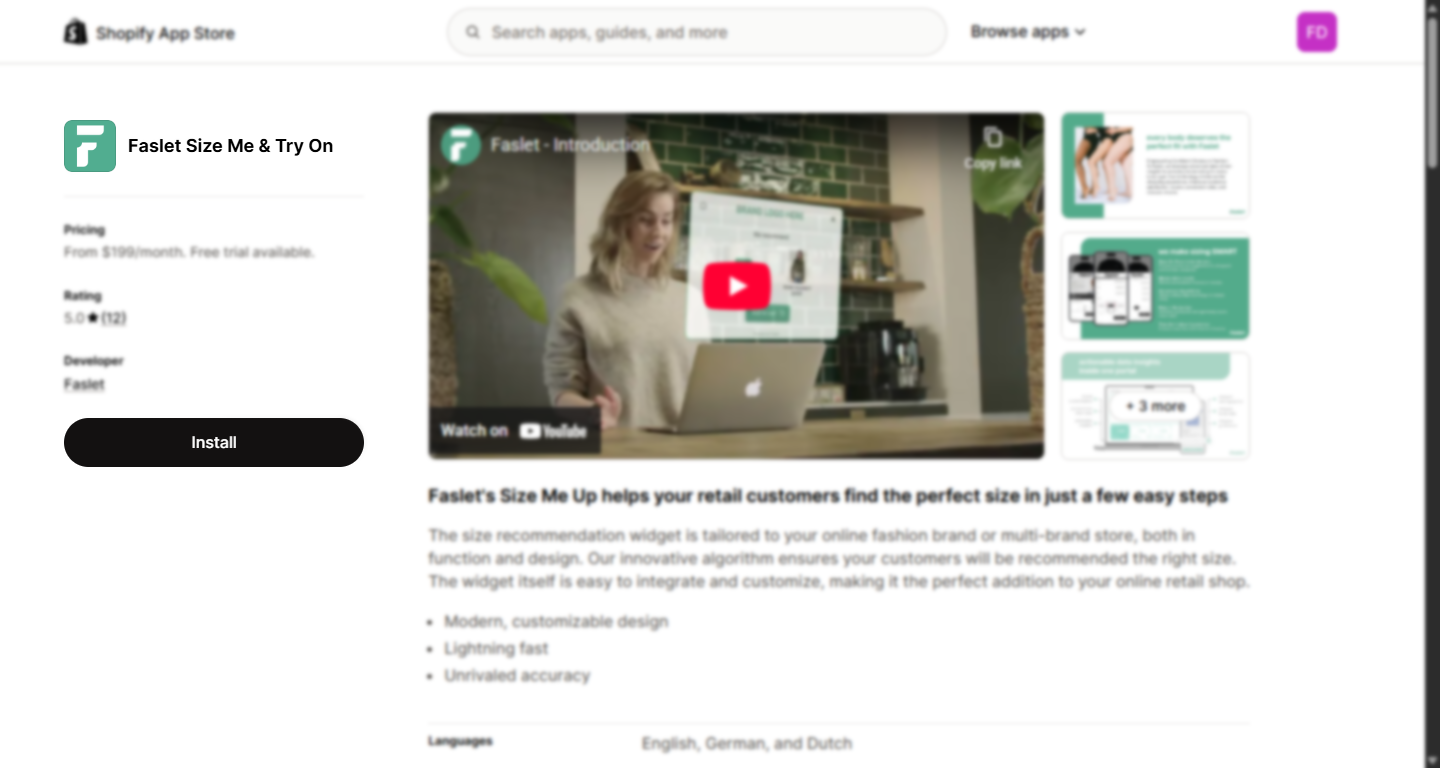
1. Find us on the app store
Head to our page and click Install.
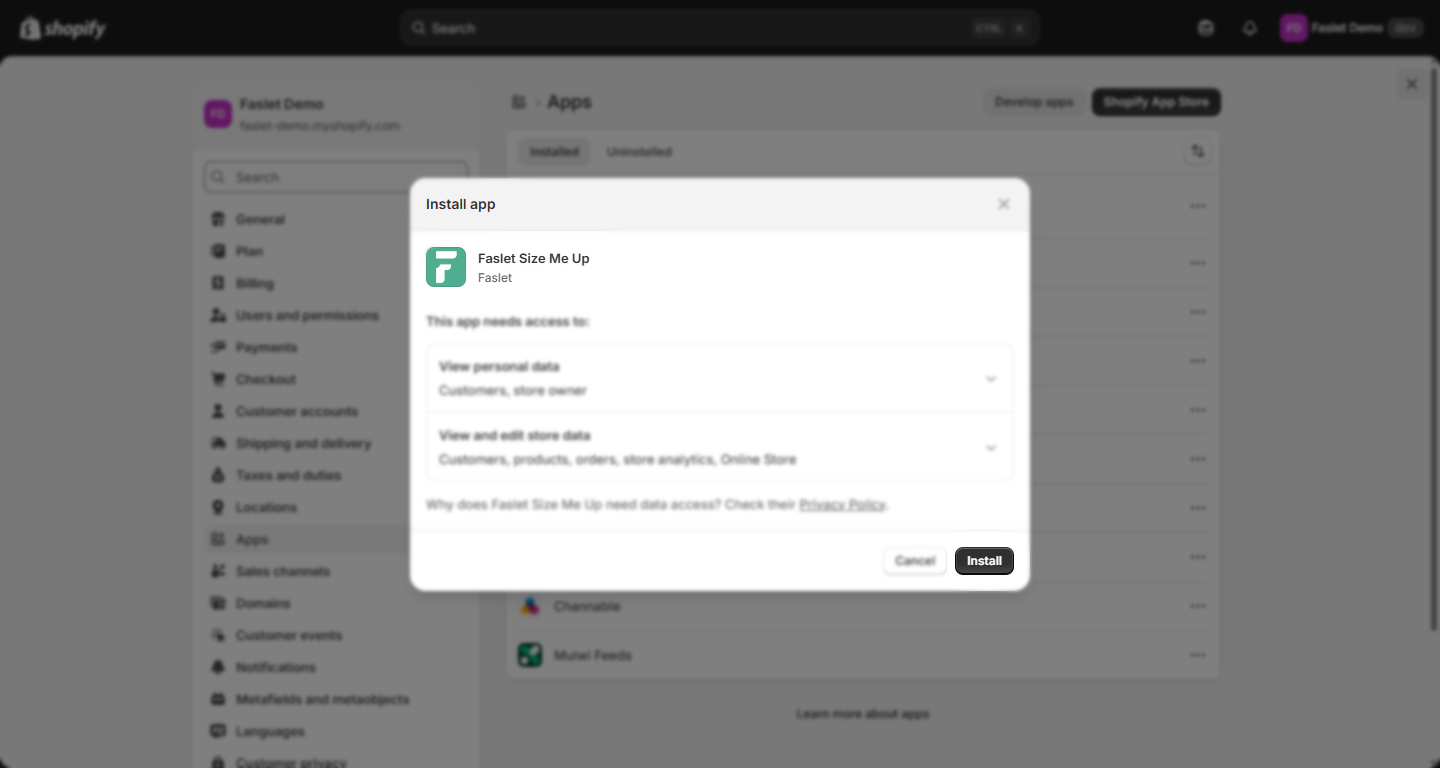
2. Approve permissions
Review the permissions requested by the Faslet app and approve by selecting Install.
Once installed, the app will guide you through a setup flow.
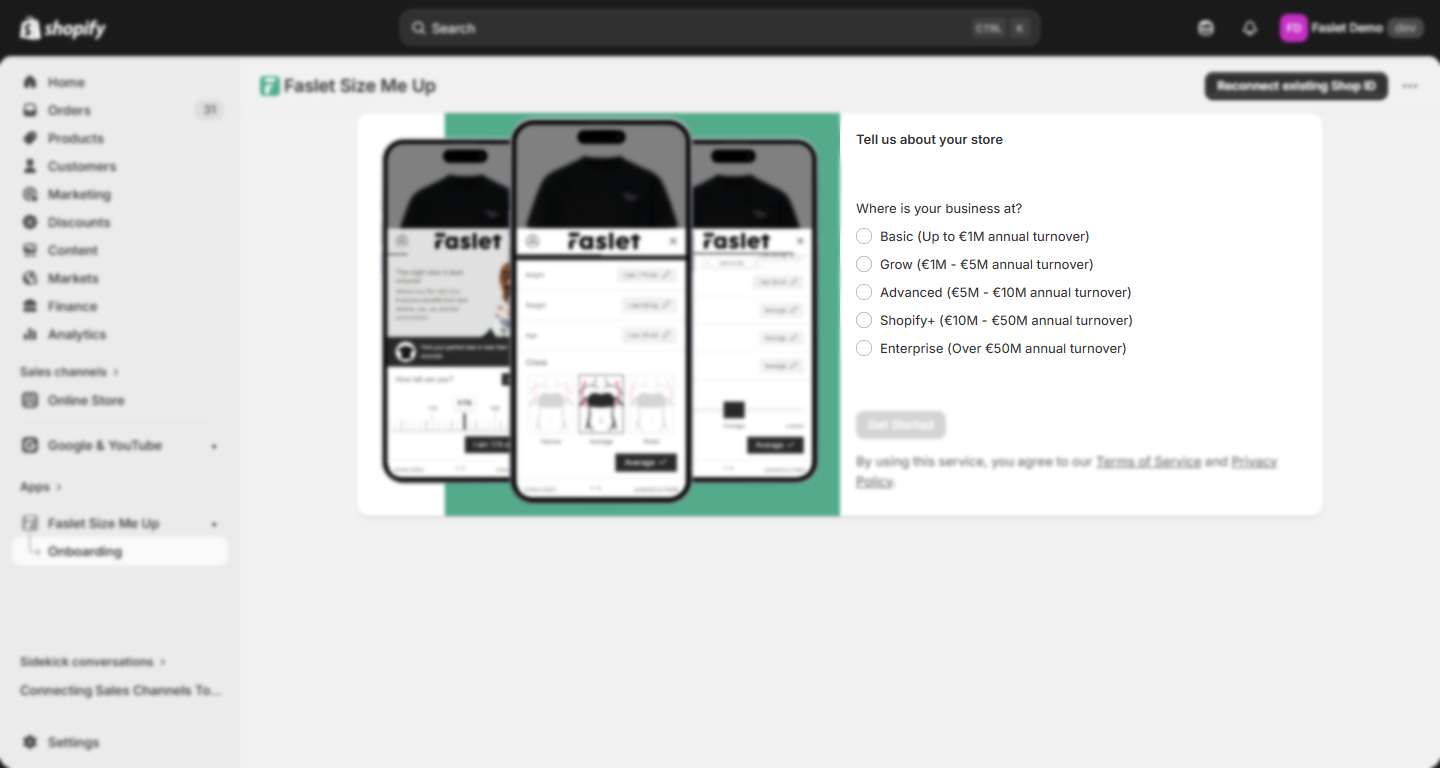
3. Get started
Once the app opens, choose the option that best matches your business size and click Get Started to begin the onboarding flow.
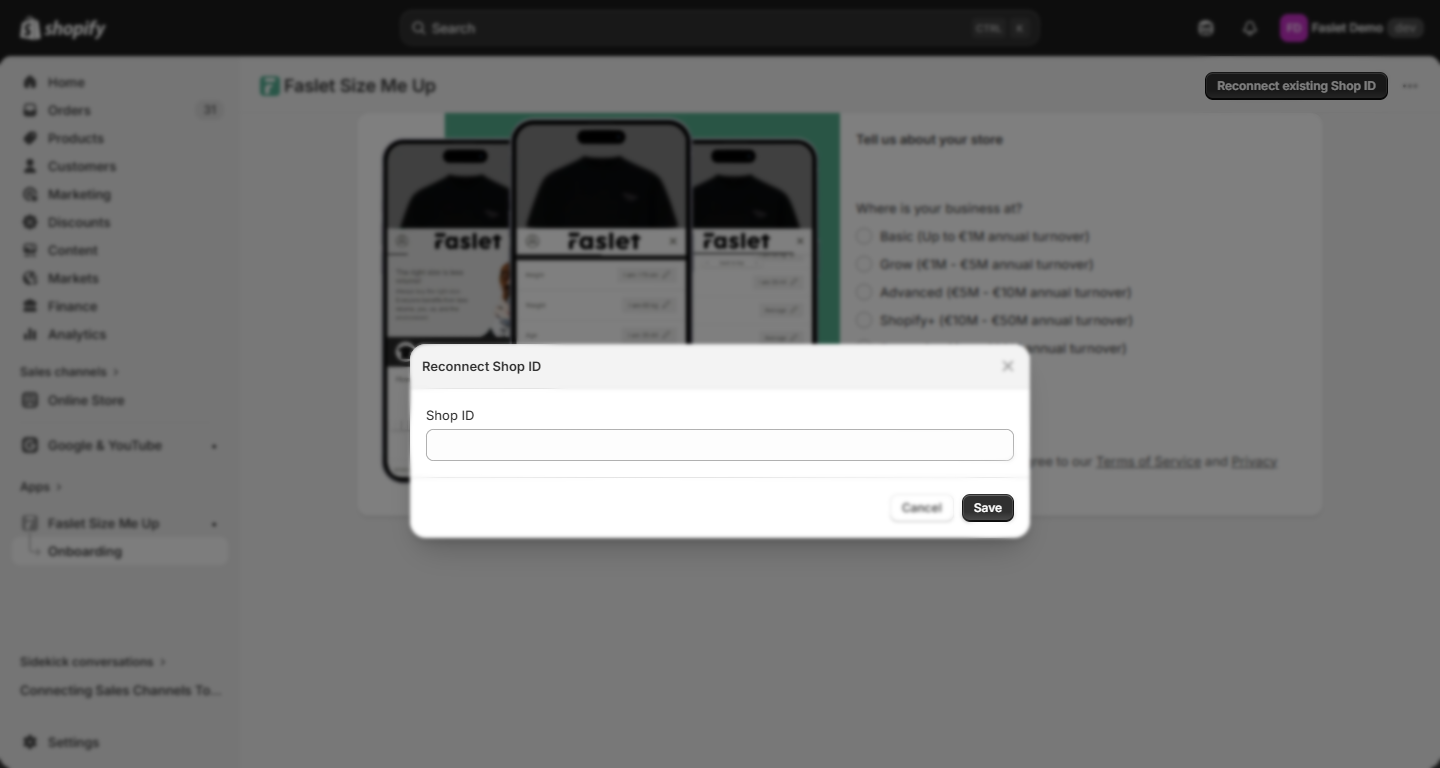
Click Reconnect existing Shop ID at the top of this screen and enter your Shop ID to skip the signup flow. Your Shop ID can be found in your welcome email or under your store's Widget Integration tab in the Faslet Partner Portal.
4. Choose a plan
Select the plan that fits your store. All plans include a 14-day free trial.
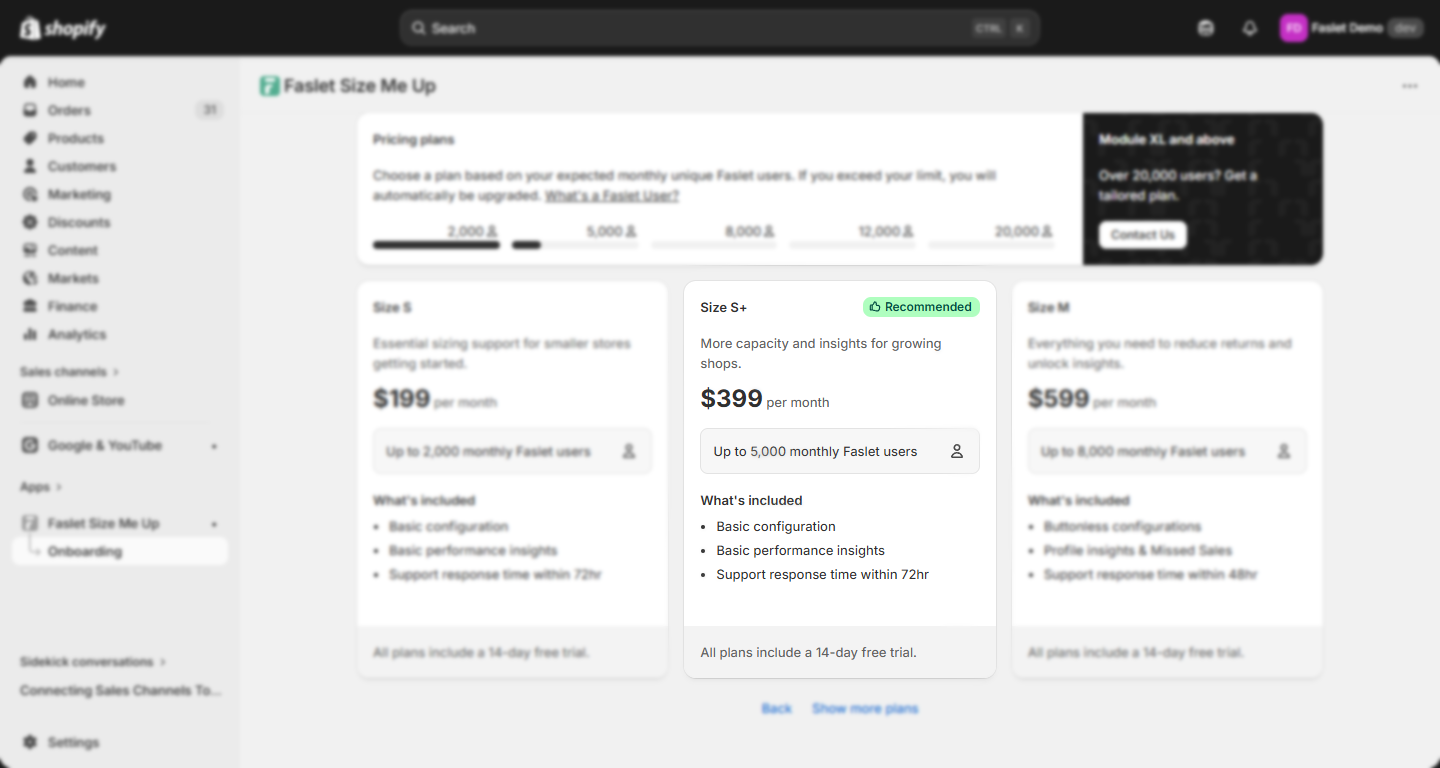
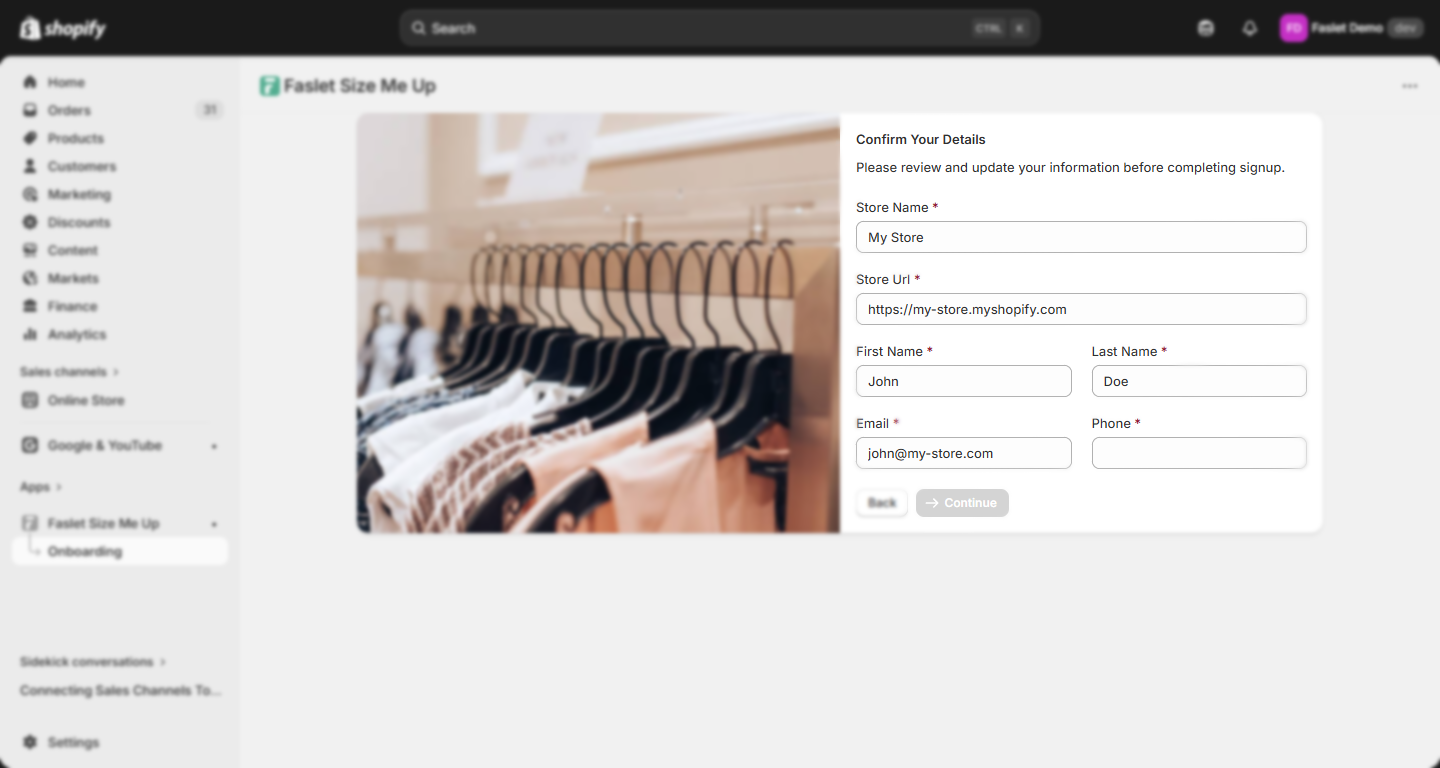
5. Confirm details
Check that your store information and contact details are correct before continuing.
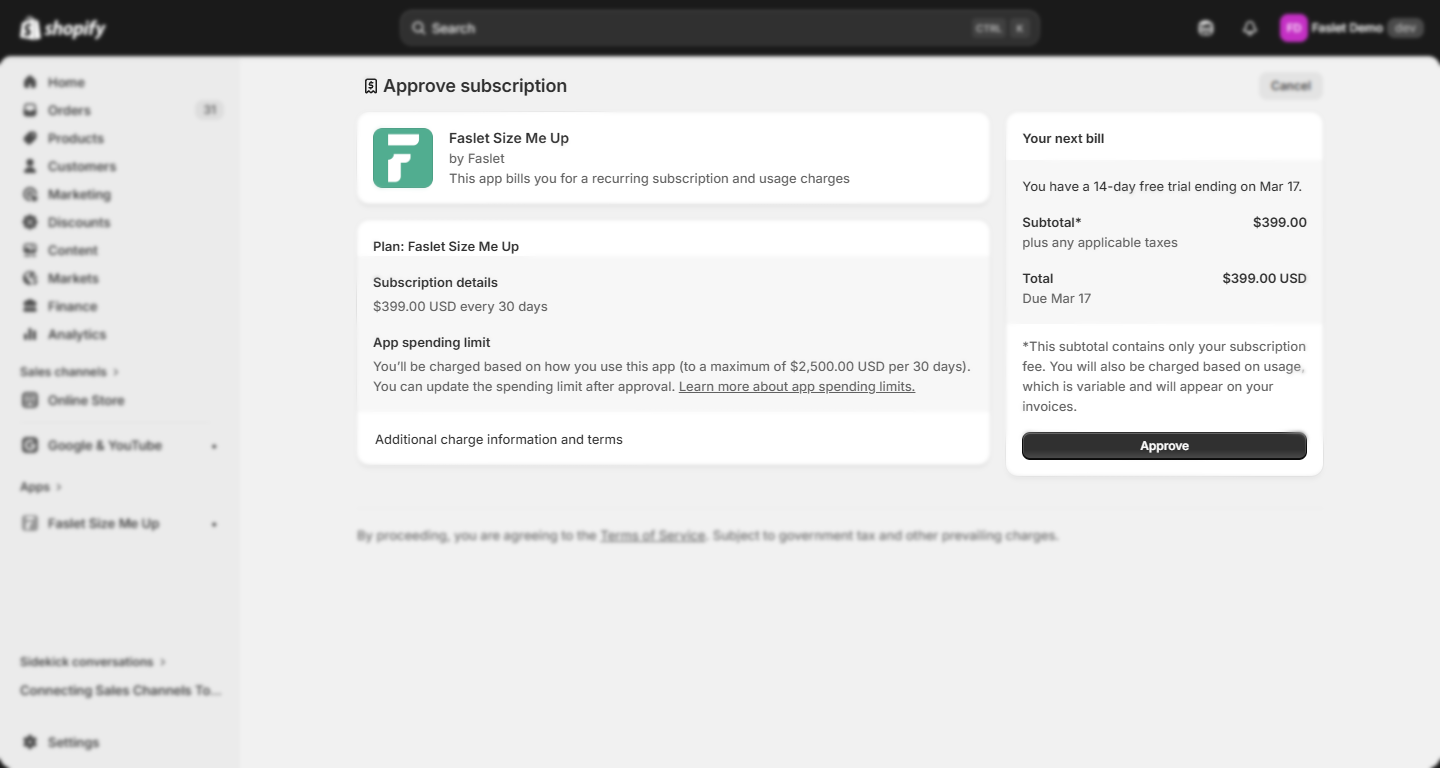
6. Approve payment
Confirm the subscription charge in Shopify to activate your selected plan.
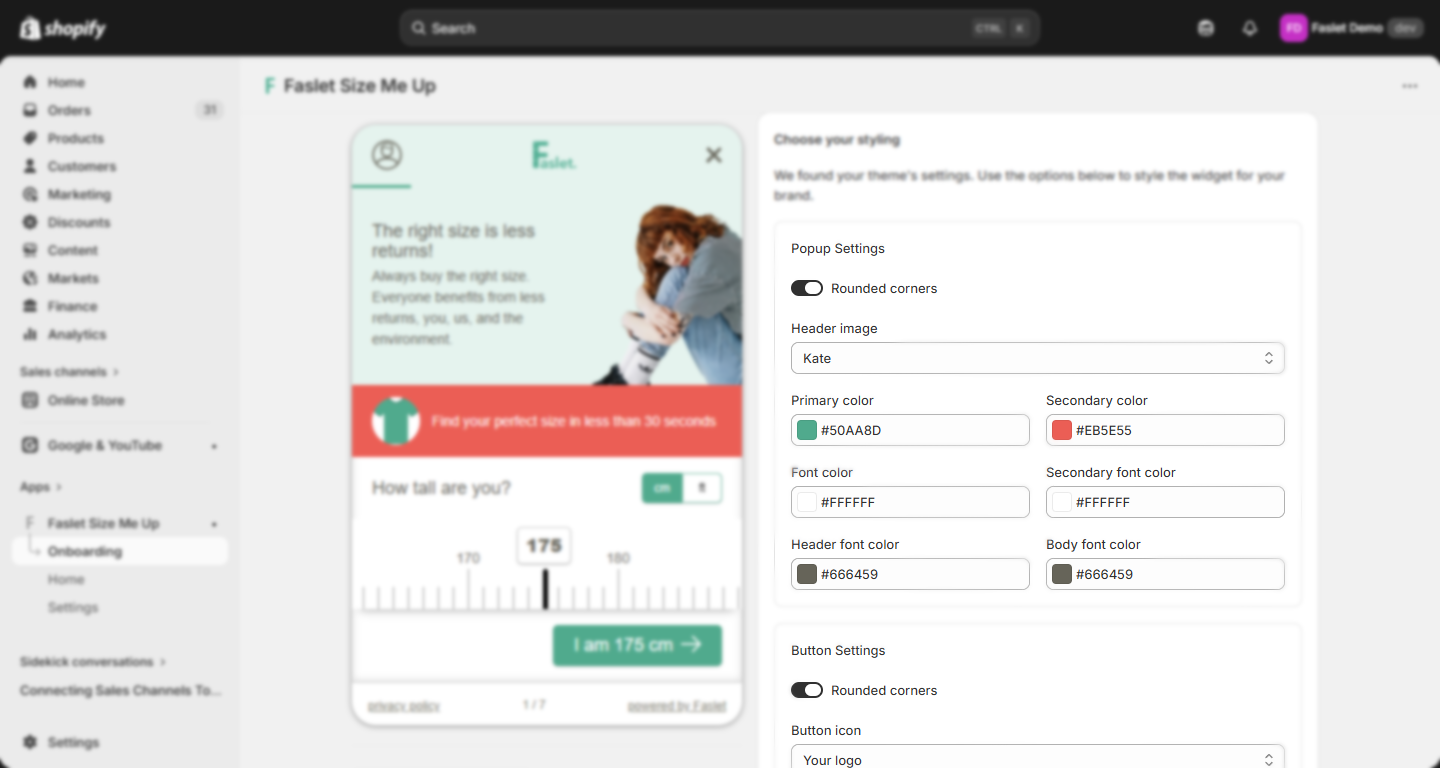
7. Customize styling
Optionally adjust the look of your Faslet widget to better match your brand. You can also do this later from the Settings page.
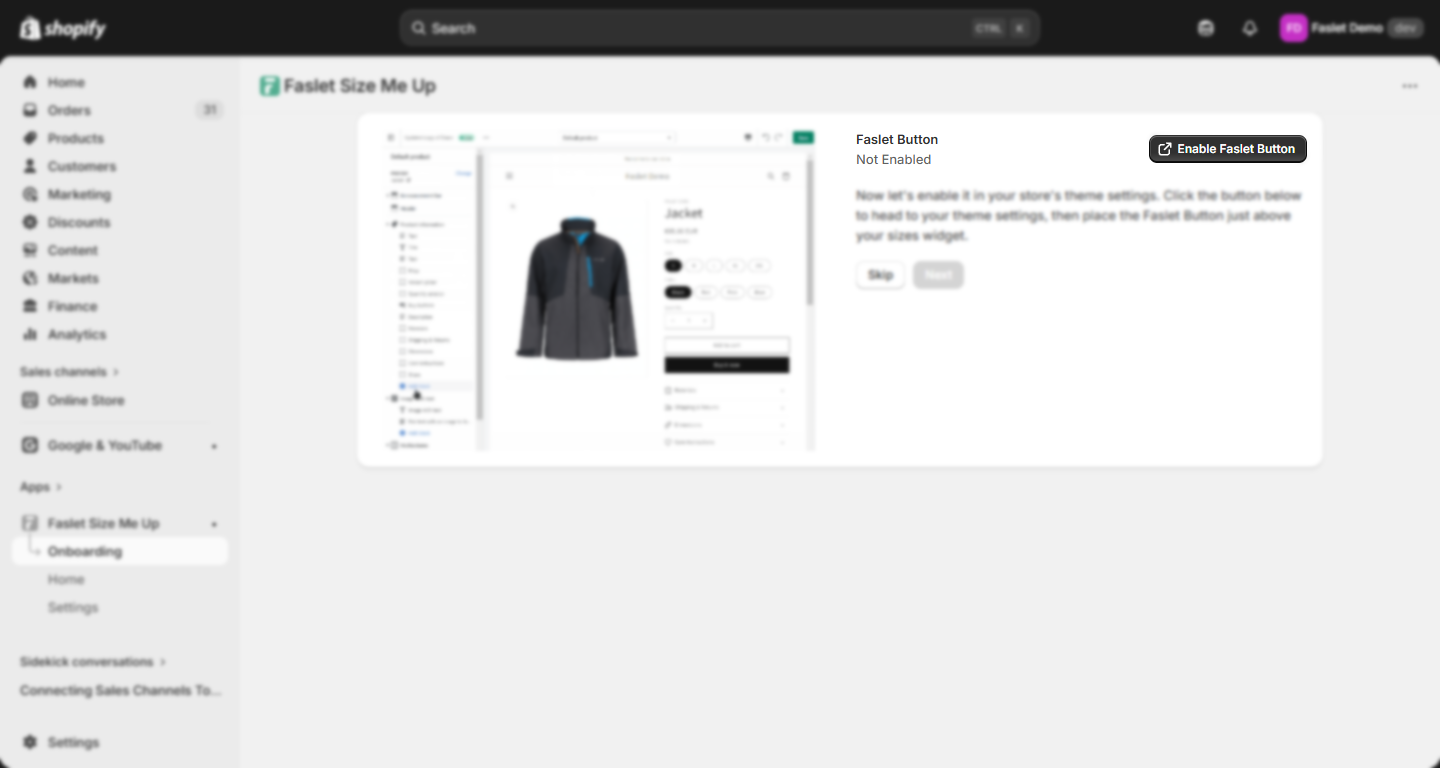
8. Enable the button
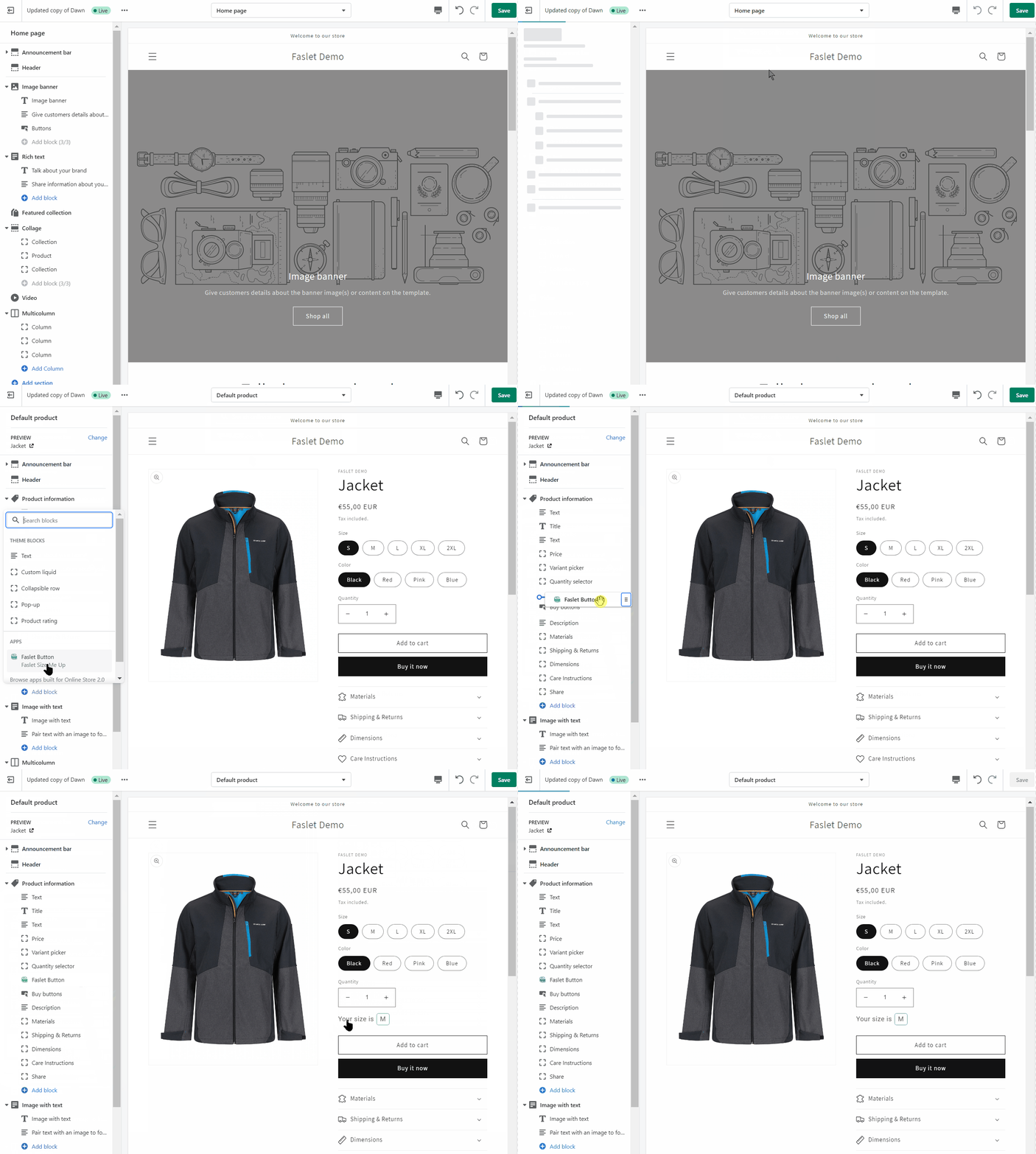
Open the Shopify Theme Editor from the app, add the Faslet Button block, and place it where you want it on your product page.
Watch the button placement flow
Add the block in the Theme Editor, position it on the product page, and save the layout.
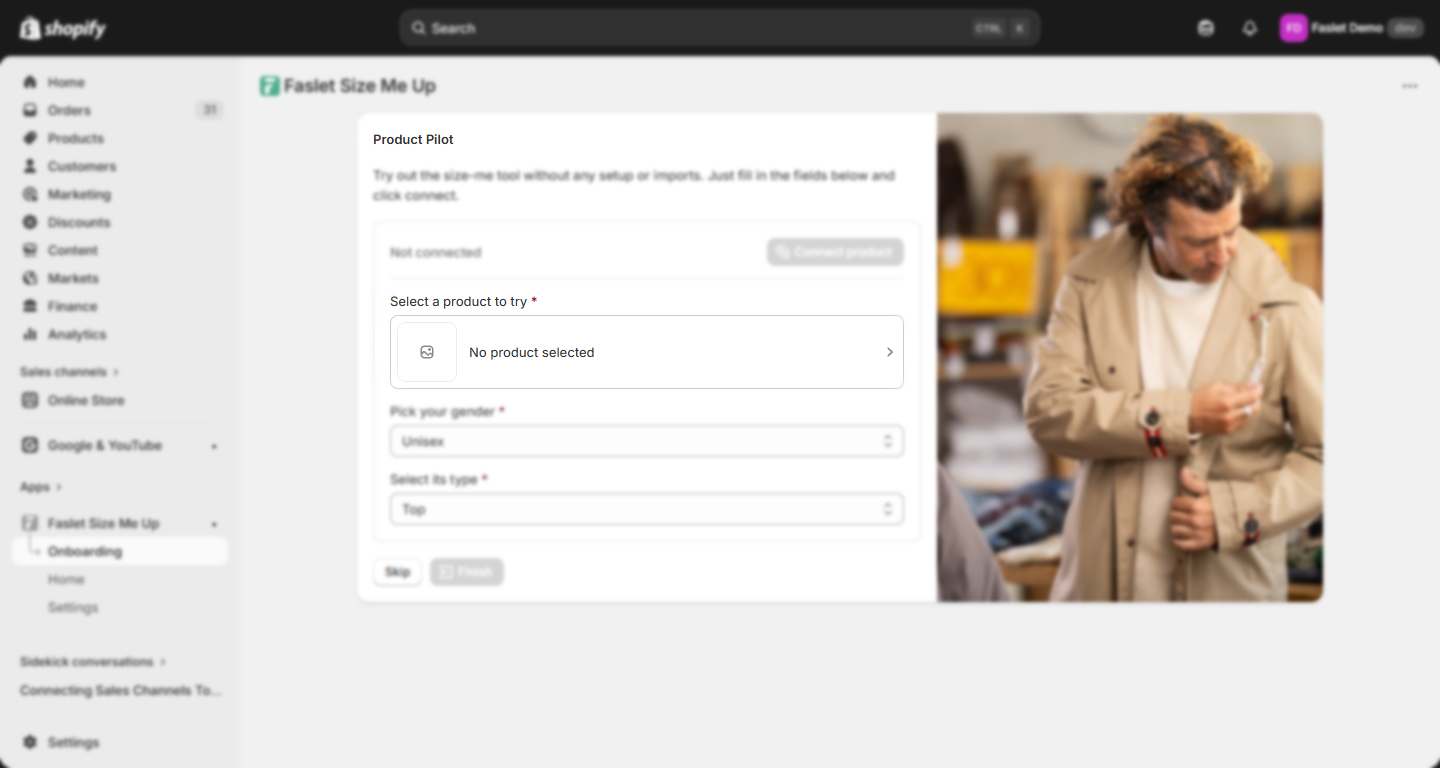
9. Connect a pilot product
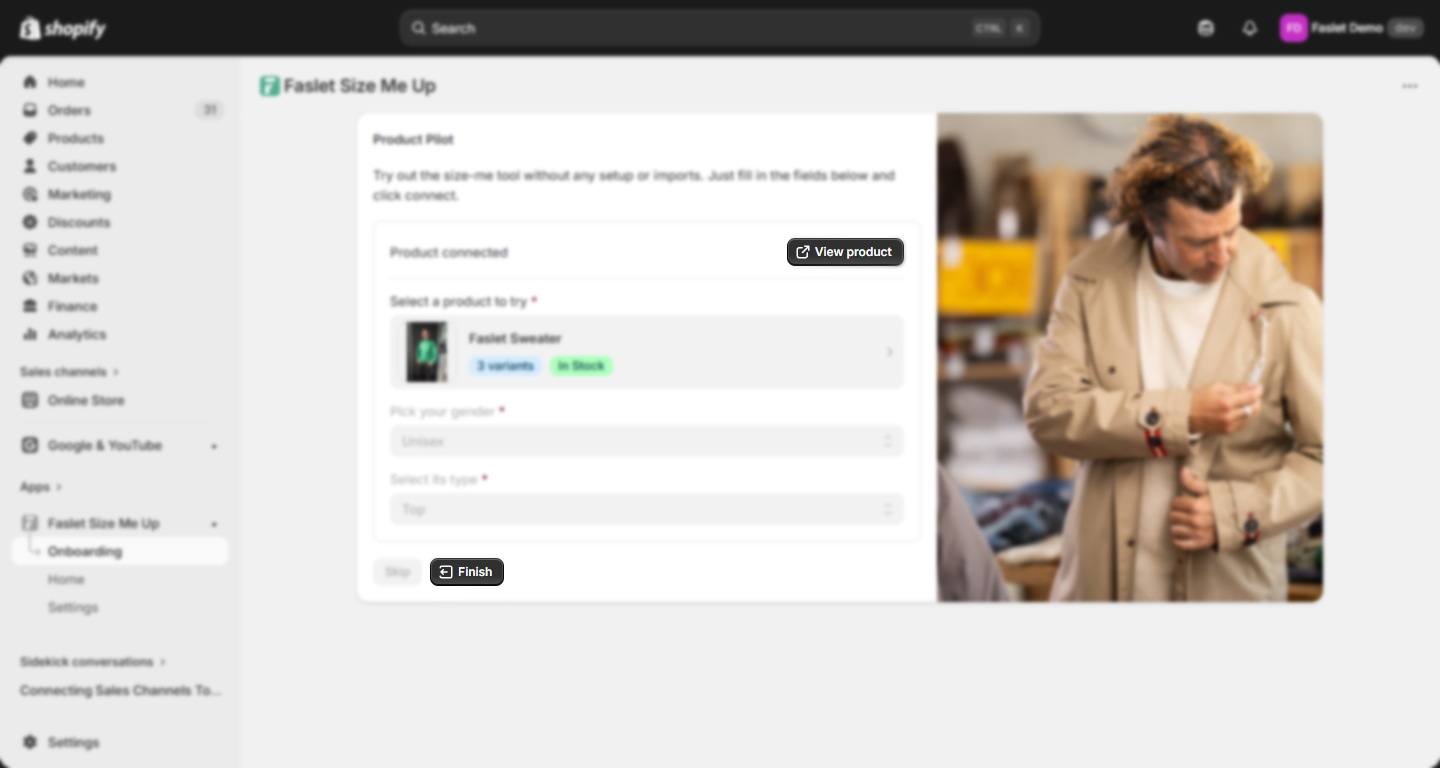
Test size-me without any imports or setup by searching for a product, selecting its gender and type, and clicking Connect product.
See the pilot product flow
1. Search for a product and configure it.
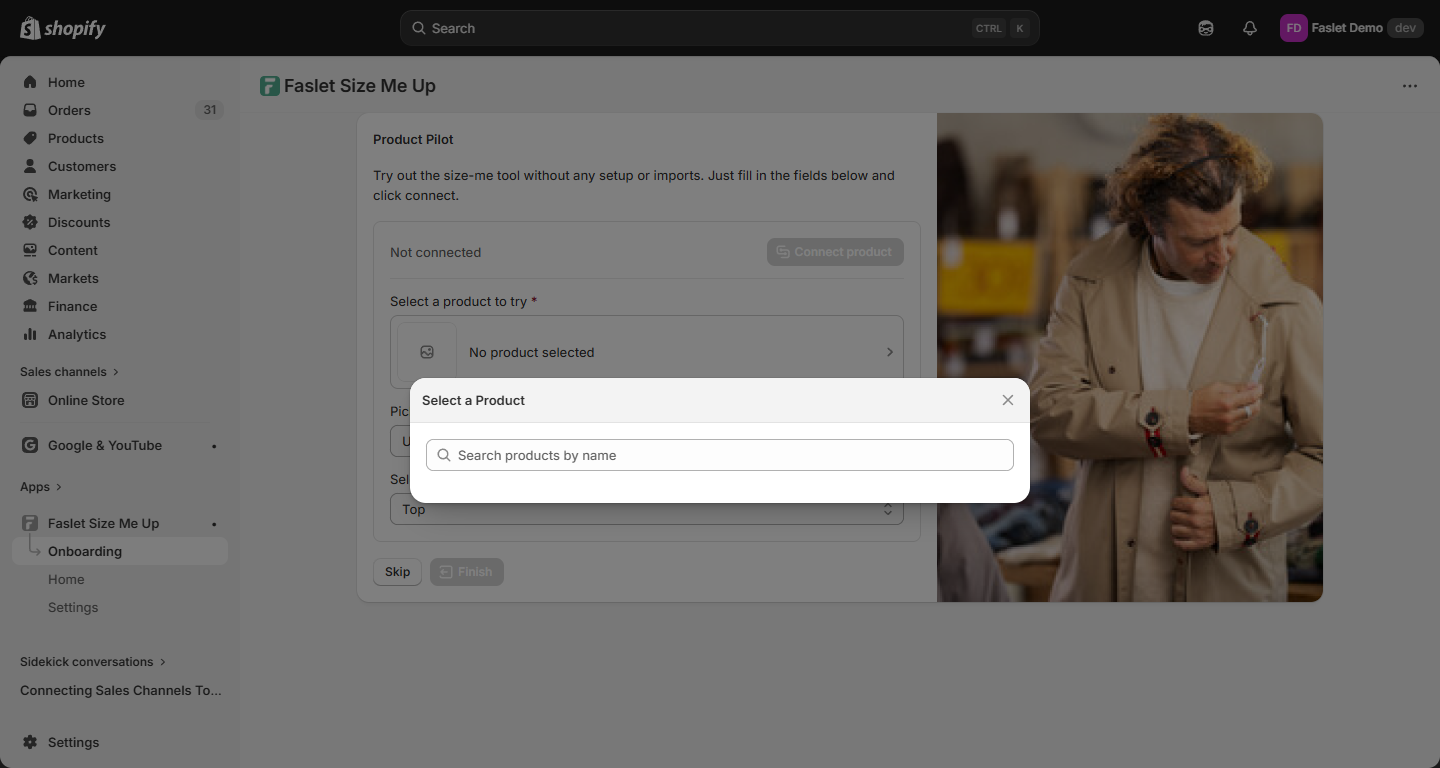
- Select Connect product.
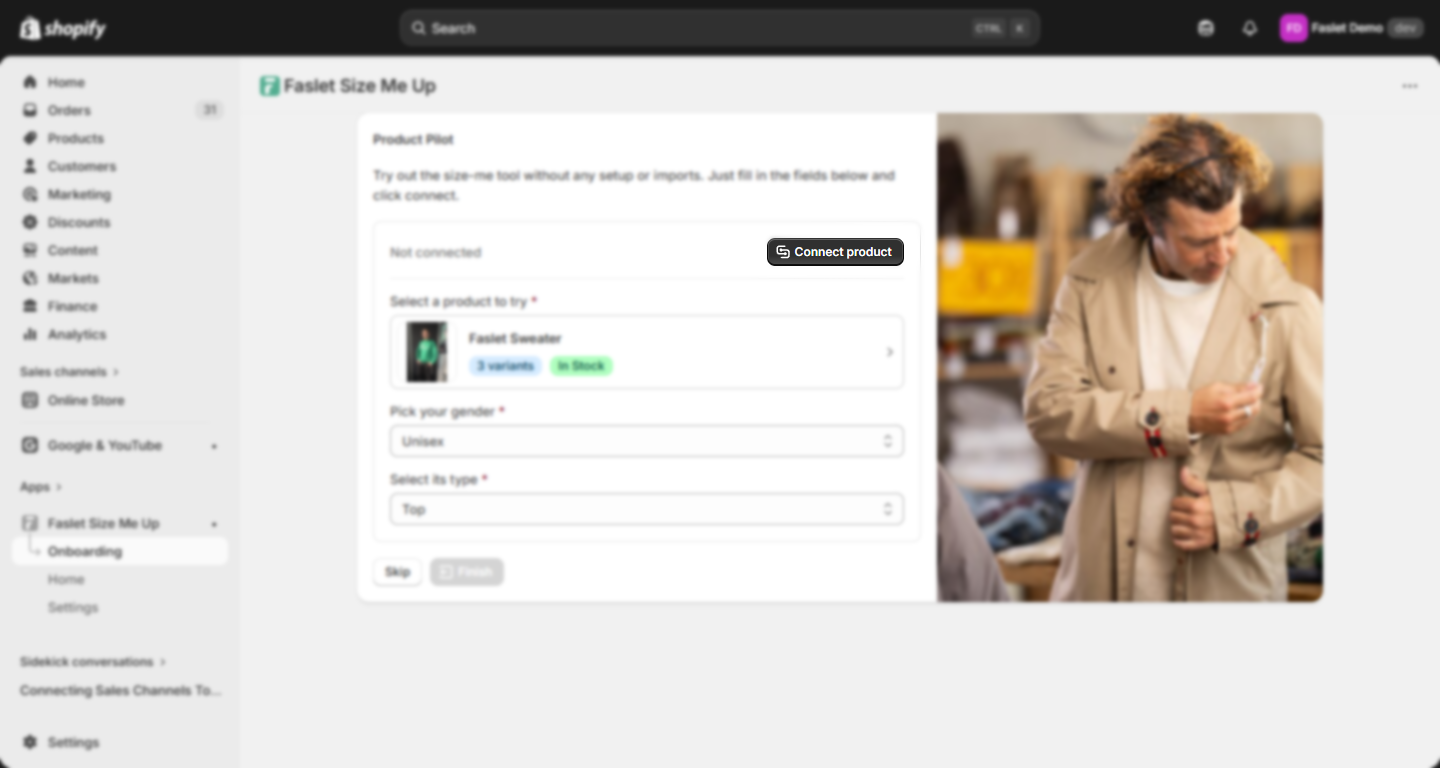
- Navigate to that product with View product or select Finish to go to the dashboard.
Markets
Are you using Shopify Markets to manage stock levels and currencies? Check out our Shopify Markets guide on how to connect different shop IDs to each market.
Help
If you'd like Faslet to help you install size-me and order tracking, Shopify allows for adding Collaborators (see article for more details). Faslet will request the Themes and Manage Settings permissions. Note that "Only the store owner, or staff with Manage collaborator requests permission, can view collaborator access requests or grant collaborator access to a store."
In case of any questions, please don't hesitate to contact us at support@faslet.me.